
When integrating palm vein recognition into a payment or identity platform, customers often ask how biometric images are protected between their application and the algorithm server.
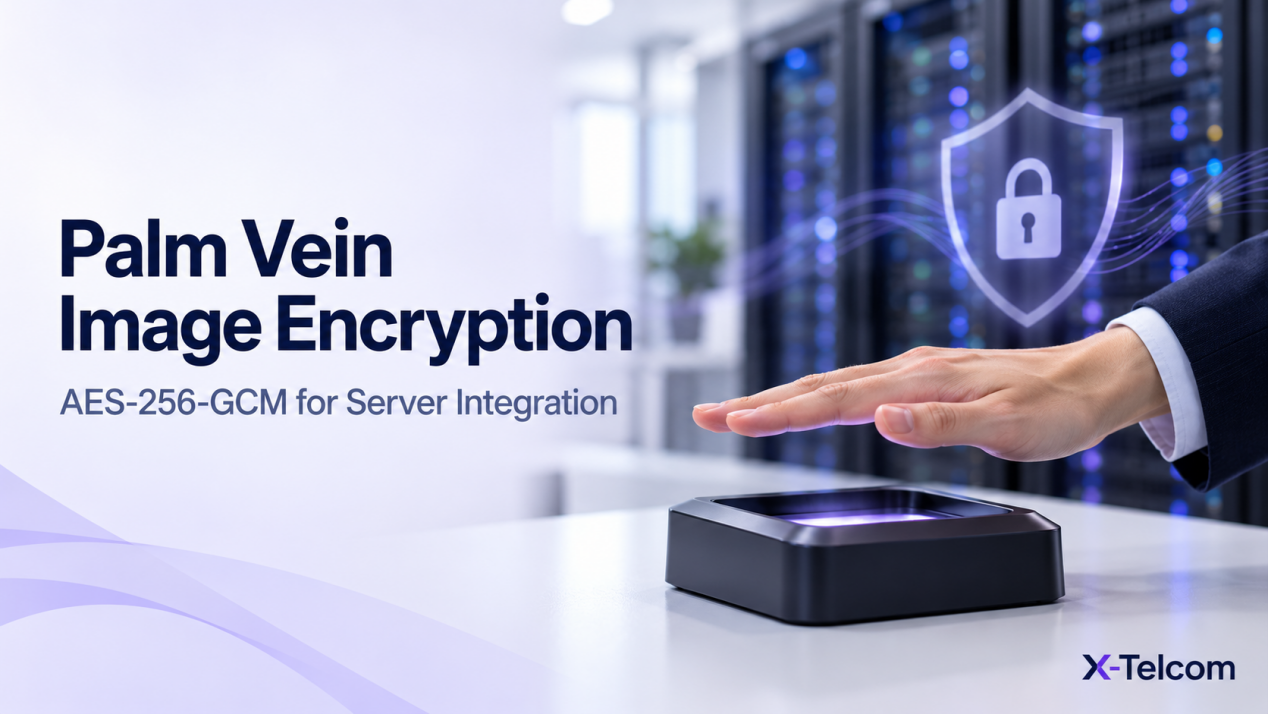
In X-Telcom’s current large-scale Algorithm Server API, client-side image encryption is optional. When enabled, the client encrypts the image before upload and sets is_image_encrypted to true in the request metadata. The server then decrypts the image according to its configuration.
The specified encryption algorithm is AES-256-GCM. For successful integration, the client’s encrypted data format must match the server’s decryption logic.
Why Does Palm Vein Image Encryption Matter?
A palm vein payment or biometric authentication system involves several components: the capture device, the customer’s application, its backend and the Algorithm Server.
During integration, developers need to understand:
- Whether image encryption is required for their project.
- Where encryption takes place.
- How the server knows an image has been encrypted.
- How the encryption key is configured.
- Why an encrypted image may fail to decrypt.
These decisions should be made alongside the customer’s network, server and biometric data-handling policies.
Where Does Image Encryption Take Place?
For the current large-scale API, image encryption is performed on the client side when the customer chooses to enable it.
The basic process is:
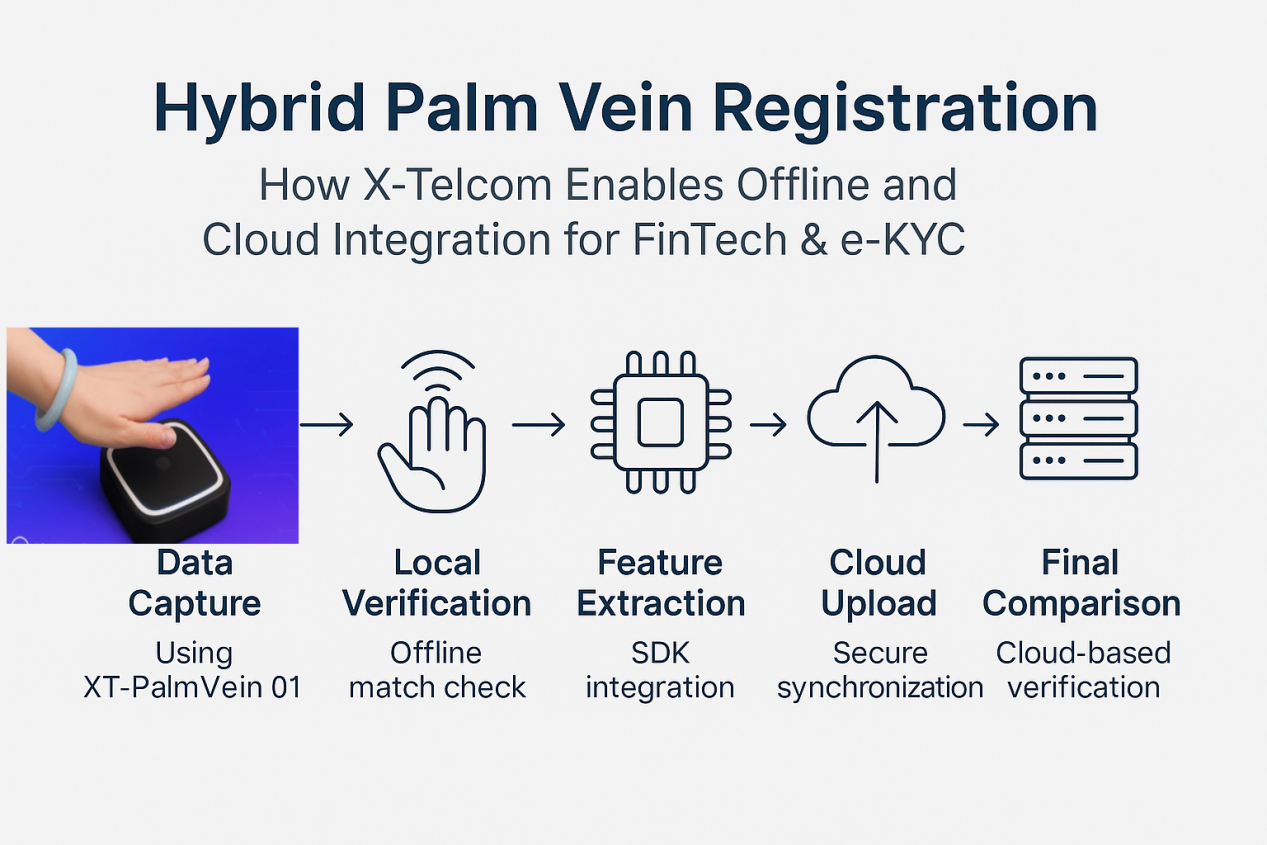
- The client obtains the palm image as part of the supported SDK or API workflow.
- The client encrypts the image before uploading it.
- The request metadata identifies the image as encrypted.
- The Algorithm Server decrypts the image using its configured decryption logic.
- The server continues the registration or matching request.
The exact point where your application handles the image depends on the integration route and the interfaces used. Your development team should follow the documentation for the relevant SDK and Algorithm Server version.
Is Palm Image Encryption Mandatory?
Client-side image encryption is optional in the current large-scale Algorithm Server API.
When enabled, the client must encrypt the image before uploading it and set the following metadata field:
is_image_encrypted = true
The server uses this information to process the encrypted image according to its configuration.
Whether to enable encryption should be decided as part of your project’s security design. Your team should also review how biometric data is handled during transmission, storage, access and deletion.
What Encryption Algorithm Is Used?
The specified algorithm for this image-encryption option is AES-256-GCM.
AES-256-GCM is an authenticated encryption mode. For the server to decrypt the image successfully, the client and server must use compatible keys and agree on the encrypted payload format.
It is not enough for both sides to select AES-256-GCM by name. The client’s implementation must also match the server’s expected handling of the encrypted data.
Why Can an Encrypted Palm Image Fail to Decrypt?
A request may fail even when the client has encrypted the image. Common integration points to review include:
| Area | What to Check |
|---|---|
| Request metadata | Is is_image_encrypted set correctly? |
| Encryption key | Is the client using the key expected by the server? |
| Encryption method | Does the implementation use the specified AES-256-GCM configuration? |
| Payload format | Does the client package the encrypted data exactly as the server expects? |
| API version | Is the team using documentation for the deployed server version? |
The exact requirements for the nonce/IV, authentication tag, payload layout and other request fields should be confirmed against the applicable Algorithm Server documentation and configuration.
Do not assume these details from a different SDK, API or encryption implementation.
How Is the Key Configured for a Single-Server Deployment?
For the documented single-machine Compose deployment, the key is saved in config.env and passed to the service through environment variables.
Your infrastructure team is responsible for preparing and protecting its deployment environment. Access to configuration files and keys should be managed according to your organisation’s security procedures.
The client and server must use compatible key material and configuration. Before production, verify that an encrypted test image can be successfully received and decrypted by the deployed service.
Can We Use Our Own Backend?
Yes. The large-scale SDK supports two integration routes:
- Direct connection: the SDK communicates with the Algorithm Server.
- Backend-mediated connection: the SDK communicates with your backend, which calls the Algorithm Server APIs and returns the expected response to the SDK.
When your backend handles API requests, your team should confirm where encryption is applied and ensure the request metadata and payload remain compatible with the Algorithm Server.
Your backend must also return responses in the format expected by the SDK. Detailed request formats should be checked against the supplied API documentation.
Does This Apply to Both Small and Large Models?
The encryption behaviour described in this article concerns the current large-scale Algorithm Server API.
X-Telcom’s small-model and large-model systems are entirely separate and decoupled. They should not be assumed to share the same API, configuration or encryption format.
When working with either system, use the documentation supplied for that specific architecture and version.
Test Before Your Production Deployment
Before purchasing the large-model algorithm package, customers can evaluate the standard workflow using X-Telcom’s public-cloud testing environment, SDK and Demo.
We recommend first confirming that your team can run the large-scale registration and identification workflow successfully. Then, discuss your image-encryption and private deployment requirements with our technical team.
If your architecture includes your own backend or encrypted image uploads, test the complete request and response flow before introducing it into a production palm vein payment or identity verification system.
Frequently Asked Questions
Is palm vein image encryption required in the large-scale API?
Client-side image encryption is optional in the documented API. If you enable it, the client must encrypt the image and set is_image_encrypted to true.
Which encryption algorithm is specified?
The documented large-scale image-encryption option uses AES-256-GCM.
Is selecting AES-256-GCM enough for successful integration?
No. The client must also use a compatible key and package the encrypted data in the format expected by the server’s decryption logic.
Can we encrypt the image in our own backend?
The supported SDK and API workflows should be reviewed for your specific architecture. If your backend handles image encryption, its request metadata and encrypted payload must match the Algorithm Server requirements.
Can we test before purchasing the large-model package?
Yes. X-Telcom provides public-cloud testing access, an SDK and a Demo before purchase so your team can evaluate the large-scale workflow.
Plan a Secure Palm Vein Integration
Image encryption is one part of a broader biometric system design. A successful integration also depends on compatible API formats, controlled key handling and a clear understanding of how your application communicates with the Algorithm Server.
Contact X-Telcom to discuss the SDK, API and private-server requirements for your palm vein payment or biometric authentication project.