
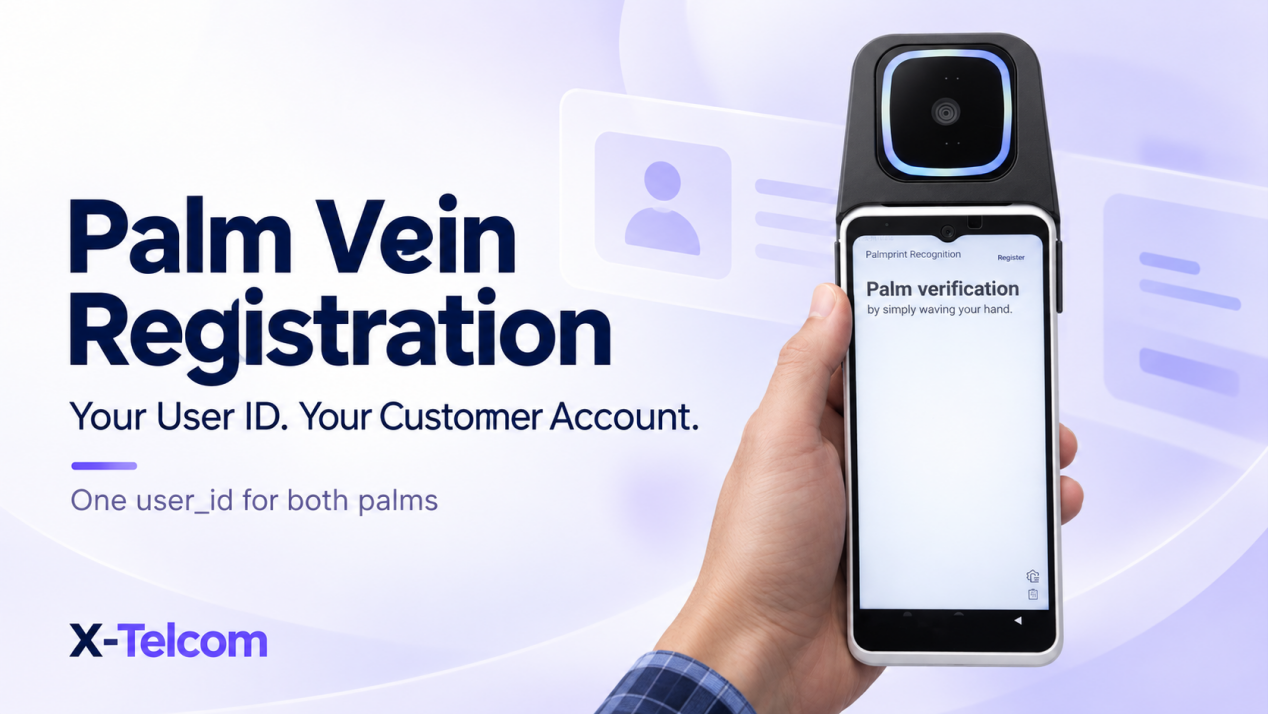
In X-Telcom’s large-scale palm vein system, your platform generates the unique user_id and supplies it during registration. The SDK and Algorithm Server do not generate this identifier.
The registration process associates the user’s left and right palm data with that platform-defined ID. After successful identification, your application receives the user identifier and can use it within its own account verification or business workflow.
For developers building palm vein payment, employee identification or customer authentication, this makes account binding an important part of the integration.
The Customer Challenge: Connecting a Palm Scan to the Right Account
A palm vein scanner captures biometric data, but your application still needs to know which customer or employee that data belongs to.
Before integration, project teams commonly ask:
- Should the SDK create a new user ID?
- Can we use our existing customer or employee ID?
- How do we associate both hands with one user?
- What identifier will our backend receive after recognition?
- Is the large-model user_id the same as the small-model featureId?
The starting point is clear: your platform owns the business identity, and the large-scale algorithm registers palm data against the identifier your platform provides.
Your Platform Creates the user_id
Choose a stable, unique identifier from your own system, such as:
- A customer ID.
- An employee ID.
- A membership account ID.
For example:
customer-10234
Your application supplies this value when calling the registration method:
registerUserWithPalmData(userId = "customer-10234")
This is an integration example. Your developers should follow the method signature and configuration requirements in the supplied SDK documentation.
The method does more than create an account identifier. It registers the left and right palm data with the Algorithm Server and associates that biometric data with the supplied user ID.
What Format Should the User ID Use?
The user ID must meet the following requirements:
| Requirement | Description |
|---|---|
| Length | 1–128 bytes |
| Case sensitivity | Case-sensitive |
| Control characters | Not permitted, including tabs and newlines |
| Backslash | Not permitted |
| Recommended characters | Letters, digits, hyphens and underscores |
A straightforward identifier such as employee-10234 is easier to manage consistently across your application and backend.
Because the ID is case-sensitive, your platform should apply a consistent naming convention. For example, Customer-10234 and customer-10234 should not be treated as interchangeable values.
How Are Left and Right Palm Data Associated?
In the large-scale SDK registration flow, the registered left and right palm data are mapped to the same supplied user ID.
Your platform therefore does not need to create separate business accounts for the user’s two hands.
For example:
| Business identity | Registered biometric data |
|---|---|
customer-10234 |
Left palm and right palm |
This allows your application to work with a user-level identity while the biometric system manages the associated palm data.
Your backend should retain the user ID and its relationship to the relevant business account. The SDK is not a replacement for your customer or employee database.
Small-Model featureId and Large-Model user_id Are Different
X-Telcom’s small-model and large-model systems are entirely separate and decoupled. They are not merged systems or different versions of one shared database.
Their identifiers have different meanings:
| System | Identifier | What It Identifies |
|---|---|---|
| Small model | featureId |
A palm |
| Large model | user_id |
A user |
Do not assume that a small-model featureId automatically becomes a large-model user_id.
When implementing the large-scale palm vein system, design your account binding around its own registration and identification workflow. Trying to create a direct relationship between the internal identifiers of these independent systems can introduce unnecessary confusion.
What Happens After Palm Vein Identification?
Following successful large-model identification, the returned user ID allows your backend to locate the corresponding business account.
For example, your application may use that account to:
- Confirm an employee’s identity.
- Retrieve a member’s profile.
- Continue a customer authentication process.
- Begin the next step in a palm vein payment workflow.
The biometric matching result does not itself complete a payment. Your application, backend and payment platform remain responsible for the applicable account checks and transaction decisions.
For palm vein payment integration, keep this distinction clear:
The algorithm identifies the registered user. Your platform determines what that user is permitted to do.
Keep Registration and Deletion Consistent
The large-scale SDK uses the user ID for user-level operations, including deletion through:
deletePalmByUserId(userId, callback)
Your developers should use the documented interfaces and keep biometric registration status consistent with the business account.
Before testing, define how your platform will handle:
- A successful registration.
- An unsuccessful or interrupted registration.
- A matching result that identifies a registered user.
- A no-match result or service error.
- A request to delete the user’s biometric registration.
This helps prevent the application from treating an incomplete registration as a successfully enrolled account.
Test the Large-Scale Workflow Before Purchasing
Before customers purchase the large-model algorithm package, X-Telcom provides public-cloud testing access, a large-scale SDK and a test Demo for evaluation.
We recommend starting with this environment to become familiar with the independent large-model workflow.
A focused initial test should confirm that your team can:
- Configure the required server URL.
- Supply a valid platform-generated user ID.
- Complete the palm registration flow.
- Identify the registered user.
- Test deletion using the documented user ID interface.
Once these steps run successfully, your developers can assess how to connect the workflow to your own backend and account system.
Frequently Asked Questions
Does the palm vein SDK generate the user ID?
No. Your platform generates the unique user ID and supplies it during large-model registration.
Can we use an existing customer ID?
Yes. Use a stable, unique platform identifier that meets the documented length and character requirements.
Do left and right palms require separate user IDs?
The large-scale registration flow associates the registered left and right palm data with the same supplied user ID.
Is user_id another name for featureId?
No. The small-model featureId identifies a palm. The large-model user_id identifies a user. The two systems are independent and decoupled.
Can we evaluate the large-scale SDK before buying the algorithm package?
Yes. X-Telcom provides public-cloud testing access and a test Demo before purchase so your team can validate the registration and identification workflow.
Discuss Your Palm Vein Integration with X-Telcom
A clear user ID strategy connects palm vein recognition to the accounts your platform already manages.
Share your application scenario, account structure and development environment with X-Telcom. We can help your team identify the relevant SDK documentation and testing steps for your palm vein authentication or palm vein payment project.