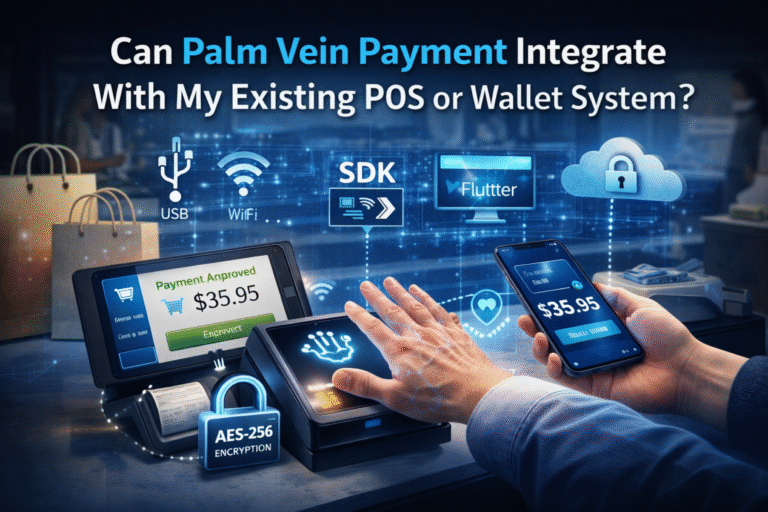

Palm vein recognition gives customers a fast and contactless way to confirm their identity during checkout. Yet adding palm recognition to an existing financial POS terminal is not always as simple as plugging a scanner into an available USB port.
The physical presence of a USB interface does not guarantee that the port provides enough power, allows external data communication, or can work with a third-party biometric device.
Before starting a palm payment project, banks, acquirers, POS manufacturers, payment service providers, and merchants should review the host terminal’s technical configuration and security restrictions.
This guide explains the main compatibility questions and introduces several deployment options available through X-Telcom.
Understanding the Role of Palm Vein Recognition
Palm vein recognition and payment processing perform different functions.
A palm vein scanner captures the customer’s palmprint and subcutaneous palm vein characteristics. These features are transformed into a protected biometric vector and used to determine the identity of the person presenting the palm.
The biometric system does not control the financial transaction.
It does not decide:
- Whether a payment request should be created
- What amount should be charged
- Whether the transaction should be submitted
- Whether authorization is approved or declined
- Whether settlement is completed successfully
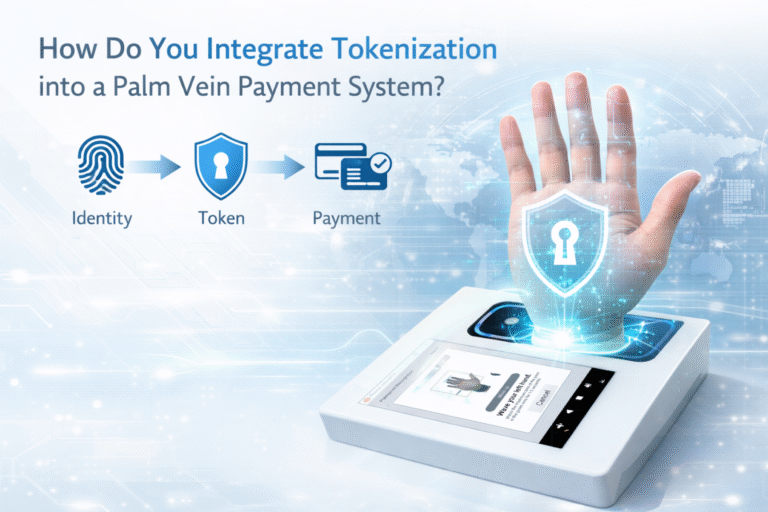
Instead, biometric recognition provides a protected identity reference to the payment environment. This function is comparable to tokenization: the recognition result represents the payer within the transaction workflow without making the payment decision itself.
The system responsibilities can be summarized as follows:
| Component | Primary responsibility |
|---|---|
| Palm Vein Scanner | Captures palmprint and palm vein features |
| Biometric recognition service | Confirms the payer’s identity |
| POS terminal | Creates and manages the payment transaction |
| Payment platform | Authorizes, approves, declines, and settles the payment |
Palm vein recognition answers “Who is the payer?” The POS and payment platform answer “Should the payment proceed, and was it successful?”
Do Not Evaluate a POS Terminal by Its USB Connector Alone
A USB connector may appear suitable for an external scanner, but two technical conditions must be checked separately:
- USB power output
- USB data communication
A port may provide power without permitting data exchange. It may also allow data exchange while providing less current than the connected scanner requires.
Both conditions must be confirmed before choosing the hardware.
Check the USB Power Available from the POS Host
PalmVein01 requires a USB interface capable of supplying 1.5A/5V.
When the POS host provides this level of power and supports external data communication, PalmVein01 can connect directly to the terminal.
If the host USB output is below the required 1.5A/5V, PalmVein01 Pro should be selected instead.
Recommended model by USB capability
| POS USB condition | Recommended model |
|---|---|
| 1.5A/5V power output with data communication | PalmVein01 |
| Power output below the 1.5A/5V requirement | PalmVein01 Pro |
Both models support POS systems based on:
- Android
- Linux
- Windows
The POS operating system must also permit the required application, driver, SDK, or service to communicate with the scanner.
Why USB Power Is Often Limited on Financial POS Terminals
Based on our project experience, many EMV/PCI financial POS terminals deployed by banks provide less than 1A through their USB interfaces.
These terminals are generally designed for tightly controlled financial environments. Their USB ports may have been intended for charging, maintenance, or specific approved accessories rather than higher-power biometric devices.
For this reason, integrators should not assume that a certified payment terminal can power PalmVein01 directly.
The following information should be obtained from the terminal manufacturer, bank, acquirer, or device administrator:
- USB voltage and maximum current
- Whether the current limit applies to each port or all ports combined
- Supported USB operating mode
- Approved external device types
- Operating system restrictions
- Available integration interfaces
If the required output cannot be confirmed, PalmVein01 Pro provides a more appropriate option.
Confirm That External USB Data Communication Is Enabled
Sufficient electrical power does not mean that the scanner can communicate with the POS application.
In many bank-managed EMV/PCI terminal deployments, the USB interface is configured as a charging-only port. External data transmission may be disabled to reduce the security risks created by unauthorized accessories.
A charge-only USB interface cannot exchange the biometric information needed for palm recognition.
The POS USB connection must support bidirectional communication so that:
- The POS application can initiate a biometric recognition request
- The scanner can receive operating instructions
- Recognition status can be returned to the host
- The protected identity result can be transmitted to the POS environment
- Error and device-status information can be exchanged
If data transmission is disabled at the firmware, operating system, device-management, or security-policy level, the palm vein scanner cannot be integrated through that port.
POS Compatibility Checklist
Before connecting an external USB Palm Vein Scanner, confirm the following items.
Hardware
- Does the POS USB port supply 1.5A/5V?
- Is the available current stable during transaction processing?
- Is the connector physically accessible?
- Can the cable be installed securely at the checkout counter?
Data communication
- Is the USB port enabled for external data transmission?
- Does it support bidirectional communication?
- Is the port restricted to charging?
- Are external USB peripherals allowed by the device policy?
Software
- Is the POS running Android, Linux, or Windows?
- Can the required scanner integration software be installed?
- Can the payment application call the biometric recognition service?
- Can the POS receive the protected identity result?
Financial terminal policy
- Does the bank or acquirer permit the external device?
- Does the terminal provider need to approve the integration?
- Will connecting the scanner affect the existing EMV/PCI environment?
- Are firmware or device-management changes required?
Completing this assessment early can prevent hardware selection and deployment problems later in the project.
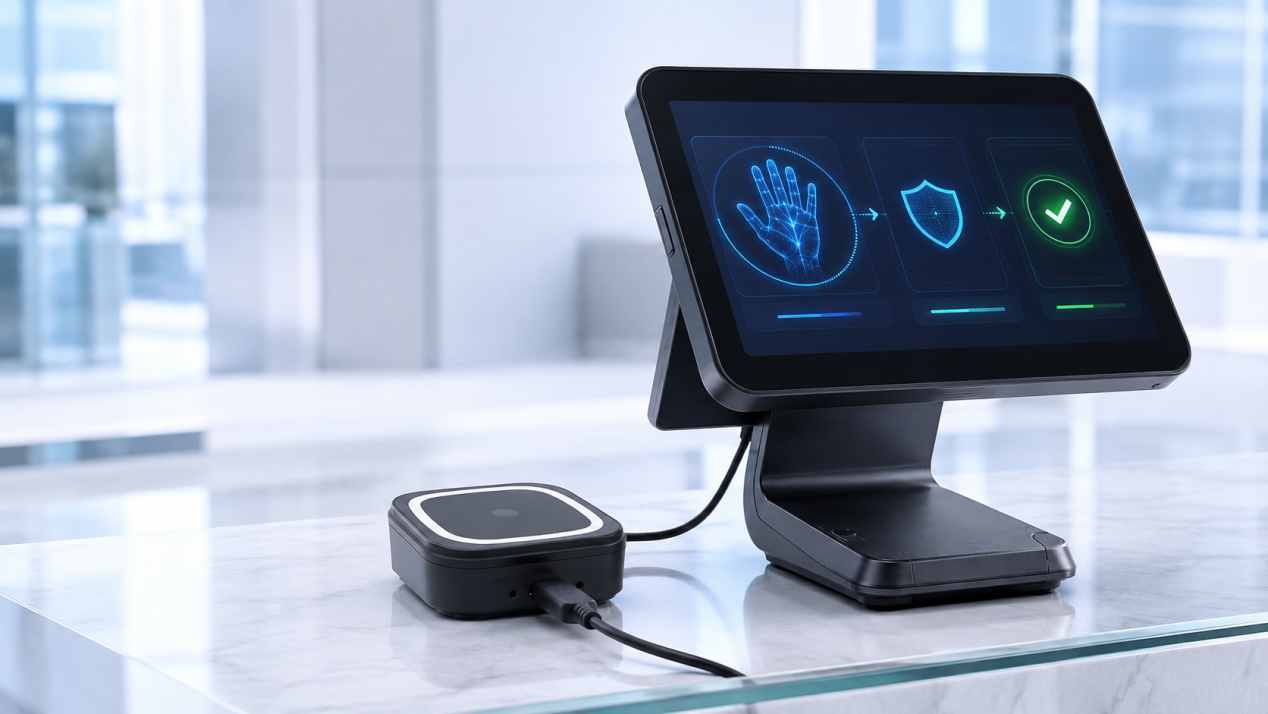
How a Palm-Enabled POS Transaction Works
A typical palm-enabled checkout can be divided into four stages.
1. Palm presentation
The customer holds a palm above the guided capture area of the Palm Vein Scanner.
The scanner performs contactless capture without requiring the customer to touch the device.
2. Biometric identity confirmation
The scanner reads palmprint and palm vein characteristics and creates a protected biometric vector.
The recognition environment compares the vector with the enrolled biometric reference and confirms the payer’s identity.
3. Identity reference delivery
A protected identity result is returned to the POS application.
This result acts as an identity reference within the payment workflow. The Palm Vein Scanner does not create or authorize the financial transaction.
4. Payment processing
The POS and payment platform use their existing business and financial logic to continue the transaction.
The payment environment remains responsible for:
- Transaction amount
- Payment initiation
- Authorization
- Approval or rejection
- Receipt generation
- Transaction records
- Settlement
This architecture keeps biometric identity confirmation separate from payment authorization.
Choosing PalmVein01
PalmVein01 is suited to installations where the POS or kiosk host provides:
- 1.5A/5V USB output
- Enabled external data transmission
- Bidirectional USB communication
- A compatible Android, Linux, or Windows environment
Its compact format makes it suitable for checkout counters and embedded self-service installations.
Before deployment, X-Telcom recommends testing the actual host model rather than relying only on its published connector list.
Choosing PalmVein01 Pro
PalmVein01 Pro is intended for deployments where the POS host cannot supply the power required by PalmVein01.
It is particularly relevant to bank-deployed financial terminals with USB output below the 1.5A/5V requirement.
PalmVein01 Pro still requires a valid data connection with the POS host. Selecting the Pro model resolves the power limitation but does not bypass a USB interface that has external data transmission disabled.
Fixed Palm Payment with WavePass500
When a standalone scanner cannot be connected to the financial POS terminal, an integrated device may provide a better architecture.
WavePass500 is designed for fixed palm payment installations and can communicate with the cashier or POS system through:
- Wi-Fi
- USB
This approach can reduce dependency on the financial terminal’s USB power capacity.
WavePass500 is appropriate for locations such as:
- Supermarket checkout counters
- Retail payment counters
- Restaurant cashier stations
- Fixed self-service payment points
The cashier system can exchange the required transaction information with WavePass500 while the integrated device manages the customer-facing palm interaction.
Mobile Palm Payment with AirOne
For portable payment requirements, X-Telcom offers AirOne.
AirOne combines palm biometric functionality with an EMV/PCI-certified payment device, making it suitable for use cases where the payment terminal needs to move with the merchant or customer.
Potential applications include:
- Table-side payment
- Mobile checkout
- Queue-busting
- Pop-up retail
- Temporary payment counters
- Assisted customer service
Because AirOne provides an integrated mobile architecture, it does not require a separate USB Palm Vein Scanner and host POS combination.
Adding Palm Payment to Self-Service Kiosks
USB Palm Vein Scanners can also be embedded inside kiosk enclosures.
PalmVein01 or PalmVein01 Pro can be installed in the customer-facing area of the kiosk and connected to the internal kiosk computer through USB.
Suitable applications include:
- Self-checkout kiosks
- Self-ordering terminals
- Ticketing kiosks
- Vending machines
- Unattended payment terminals
The kiosk host must meet the same compatibility requirements as a POS host.
The USB connection must support data communication, and the appropriate scanner should be selected according to the host’s power output.
Within a kiosk architecture:
- The kiosk application starts the identity-confirmation process.
- The built-in scanner captures the customer’s palm features.
- The recognition service returns a protected identity reference.
- The kiosk and payment platform process the transaction.
- The kiosk displays the final payment result.
The scanner confirms identity but does not manage the payment decision.
Biometric Information and Customer-Controlled Cloud Storage
The palm recognition workflow is designed to use protected biometric vectors rather than reusable raw palm images for payment identification.
Deployment data can be stored on the customer’s own cloud server. This allows the customer to define and manage the data environment according to its operational, security, and regulatory responsibilities.
A GDPR-oriented deployment should consider:
- Legal basis for biometric processing
- Explicit customer consent where required
- Data minimization
- Encryption in transit and at rest
- Storage location
- Retention periods
- Access permissions
- User data deletion
- Security monitoring
- Processor and controller responsibilities
The final technical and compliance model should be reviewed for the relevant country, organization, and deployment scenario.
Selecting the Appropriate Architecture
Use the following summary when planning an X-Telcom palm payment project.
Select PalmVein01 when:
- The POS or kiosk USB interface supports 1.5A/5V
- External data transmission is enabled
- The host runs Android, Linux, or Windows
- A separate USB scanner is preferred
Select PalmVein01 Pro when:
- The host USB output is below the 1.5A/5V requirement
- USB data communication remains available
- A standalone scanner is required
Select WavePass500 when:
- A complete fixed palm payment device is preferred
- The system will communicate through Wi-Fi or USB
- The existing financial POS cannot adequately support an external scanner
Select AirOne when:
- A portable palm payment solution is required
- The payment environment needs an EMV/PCI-certified mobile device
- A separate scanner and host combination is not practical
Embed a USB scanner into a kiosk when:
- Self-service palm payment is required
- The kiosk enclosure can accommodate the scanner
- The internal host supports USB data exchange
- The correct model is selected according to USB power capacity
Frequently Asked Questions
No. Palm vein recognition confirms the payer’s identity. The POS terminal and payment system remain responsible for initiating, authorizing, approving, declining, and completing the transaction.
Can PalmVein01 connect to any USB-equipped POS terminal?
Not automatically. The USB port must provide 1.5A/5V and support external data transmission.
What if the POS terminal provides less than 1.5A/5V?
PalmVein01 Pro should be considered when the host USB output does not meet the PalmVein01 power requirement.
Can a charging-only USB port support palm payment integration?
No. The scanner and POS host must be able to exchange data in both directions.
Which POS operating systems are supported?
PalmVein01 and PalmVein01 Pro support Android, Linux, and Windows host systems.
Can the USB scanner be built into a kiosk?
Yes. PalmVein01 and PalmVein01 Pro can be embedded into compatible self-service kiosks.
Which device is suitable for a fixed integrated deployment?
WavePass500 is the fixed integrated option and can communicate with the POS system through Wi-Fi or USB.
Which device is intended for mobile palm payment?
AirOne is designed for mobile palm payment and uses an EMV/PCI-certified payment device architecture.
Plan the Integration Before Selecting the Hardware
A successful palm payment project starts with the host system—not the scanner.
Before choosing the device, verify:
- USB power output
- USB data-transfer permissions
- Operating system compatibility
- Payment application integration
- Bank or acquirer security policies
- Fixed, mobile, or kiosk deployment requirements
Once these conditions are understood, X-Telcom can help identify the most appropriate configuration using PalmVein01, PalmVein01 Pro, WavePass500, or AirOne.