
A customer registers their palm successfully. Later, they scan again and the system recognises them.
How does your application know which customer account, employee record or payment wallet that recognition result belongs to?
The answer starts with the user ID supplied during registration.
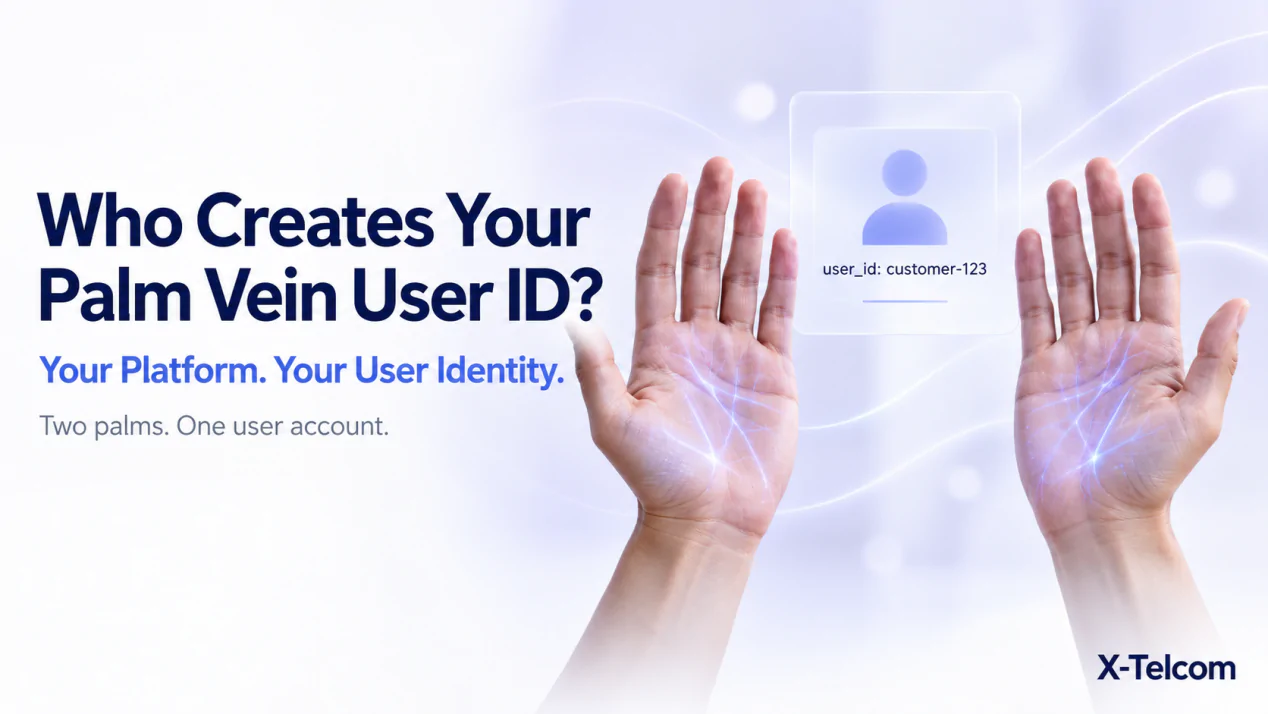
In X-Telcom’s Large Model palm vein recognition system, your platform generates and provides the user ID. The SDK and Algorithm Server do not create it for you.
This gives your platform control over the relationship between a biometric registration and the person’s business account.
1. Your Platform Supplies the User ID
Before starting palm registration, your application needs to know which user is being enrolled.
That user may already have a customer ID, employee ID or another stable identifier in your platform. Your application supplies the appropriate identifier to the Large Scale SDK during registration.
For example:
registerUserWithPalmData(userId = "customer-123")
Here, customer-123 is an illustrative identifier created by the customer’s platform. It is not generated from the palm image.
The registration process associates the captured palm data with that supplied user ID.
Why does this matter?
Your business platform already manages the records that give an identity practical meaning.
For a palm vein payment application, that may be a customer account associated with a wallet. For workforce identification, it may be an employee record.
The biometric service identifies the registered user. Your platform determines what that identity means within your application.
2. A User ID Is Not a Biometric Feature
A user ID and biometric data serve different purposes.
| Item | Purpose |
|---|---|
user_id |
Identifies the user within the Large Model and connects the registration to your platform’s records |
| Palm images and feature data | Provide biometric inputs used for registration and recognition |
| Business account record | Holds the customer, employee or account information managed by your platform |
Do not treat the user ID as a palm template, an encrypted feature string or proof of a completed payment.
It is the identifier your platform uses to associate the biometric registration with the intended user.
3. Left and Right Palms Can Belong to the Same User
A person has two palms, but your application should still be able to identify them as one user.
In the Large Model registration workflow, registered left and right palm data can be mapped to the same supplied user ID.
For example:
| Registered palm | Supplied user ID | Business record |
|---|---|---|
| Left palm | customer-123 |
Customer account 123 |
| Right palm | customer-123 |
Customer account 123 |
Your team should plan this association around the person’s account rather than creating unrelated business accounts for each hand.
The supported SDK registration method handles the association of registered palm data with the supplied user ID.
4. Follow the Documented User ID Requirements
A valid identifier must meet the interface requirements.
| Requirement | Detail |
|---|---|
| Length | Between 1 and 128 bytes |
| Case sensitivity | IDs are case-sensitive |
| Control characters | Not permitted, including tabs and newlines |
| Backslashes | Not permitted |
| Recommended characters | Letters, digits, hyphens and underscores |
Examples of straightforward identifier formats include:
customer-123employee-10234member_5678
These are illustrative naming examples, not prescribed account structures.
Be consistent about case
Because identifiers are case-sensitive, your platform should not assume that Customer-123 and customer-123 represent the same registration.
Define a consistent ID convention before development and apply it throughout registration, identification-result handling and deletion requests.
Use a stable identifier
An identifier should continue to refer to the same business record over time.
A practical approach is to use a stable internal account reference. Keep changeable profile information within your business database rather than relying on it as the biometric system’s primary identifier.
5. Confirm the Account Before Registering the Palm
The SDK associates palm data with the ID your application supplies.
Your application therefore needs to establish the correct account context before starting registration.
A recommended application sequence is:
- Select or establish the intended user’s business account.
- Obtain its stable, unique user ID.
- Start palm registration using that ID.
- Wait for the registration result.
- Handle the result and maintain the required account association in your backend.
The business checks used to establish account ownership belong to your application design. Supplying a user ID to the SDK does not replace those checks.
For example, a palm payment platform should determine which customer account is being enrolled before submitting its identifier for biometric registration.
6. Registration Does More Than Create an ID
The method registerUserWithPalmData(userId) is not simply a command to create an empty user record.
It registers palm data with the Algorithm Server and associates that data with the supplied user ID.
After successful registration, the SDK returns the registration biometric data.
The current Large Scale SDK requires a valid server URL for registration and identification. It does not provide a separate capture-only method that returns palm data independently of the server registration flow.
Your developers should therefore handle the complete registration process rather than treating the method as a local ID assignment.
7. Identification Results Need Business Interpretation
In the Large Model, identification returns the platform’s user ID.
Your application uses that result to locate the corresponding business record and determine the next action.
For palm vein payment, the responsibilities remain separate:
- The algorithm service performs biometric identification.
- Your platform associates the result with the customer account.
- Your payment system applies its authorisation and transaction rules.
A successful identity match does not automatically authorise a payment.
The same principle applies to other applications. Identifying an employee does not, by itself, determine their access permissions or attendance rules. Those decisions remain within the relevant business system.
8. Direct Connection and Backend Routing Use the Same ID Principle
The Large Scale SDK supports two integration approaches:
- Connecting directly to the Algorithm Server.
- Connecting through your backend, which forwards the required operations.
In both cases, your platform generates and supplies the user ID.
If your backend sits between the SDK and the algorithm service, it must return the corresponding response in the format expected by the SDK. Changing the connection path does not change who owns the user identifier.
9. Do Not Confuse user_id with Small Model featureId
X-Telcom’s Small Model and Large Model are entirely separate, decoupled systems.
Their identifiers have different meanings:
| System | Identifier | What it identifies |
|---|---|---|
| Small Model | featureId |
A palm |
| Large Model | user_id |
A user defined by the customer’s platform |
Do not assume that a Small Model featureId automatically becomes a Large Model user_id.
Where suitable palm images and corresponding business user IDs have been retained, your team can register those users in the Large Model by calling its registration API for each user.
That creates registrations in a separate system. It is not an automatic database merge.
The two SDKs should not be used together in the same application build.
Frequently Asked Questions
Does X-Telcom generate user IDs for our customers?
No. Your platform generates and supplies the user ID used by the Large Model.
Can we use our existing customer or employee IDs?
Yes, provided they are stable, unique and meet the documented format requirements.
Can both palms be associated with one user ID?
Yes. Registered left and right palm data can be mapped to the same supplied user ID.
Is the user ID case-sensitive?
Yes. Apply a consistent naming convention throughout your application.
Does the user ID contain the person’s biometric features?
No. The user ID is an identifier supplied by your platform. Palm images and feature data are separate biometric inputs.
Does successful recognition complete a palm payment?
No. Your payment platform must use the identification result within its own account, authorisation and transaction workflow.
Test Account Binding Before Expanding Your Project
Before rolling out a palm vein recognition application, test more than successful scanning.
Confirm that registration uses the intended account ID, that identification results resolve to the correct business record and that your application handles the next action correctly.
X-Telcom provides a Large Scale SDK Demo and public-cloud testing environment before customers purchase the large-model algorithm.
Contact our team to discuss your account structure, compatible hardware and palm vein integration requirements.


