
A simpler checkout.
A familiar account.
Let customers pay with a registered palm while your platform stays in control of accounts and transactions. Start with the checkout flow your stores actually need.
Hardware, SDKs and integration support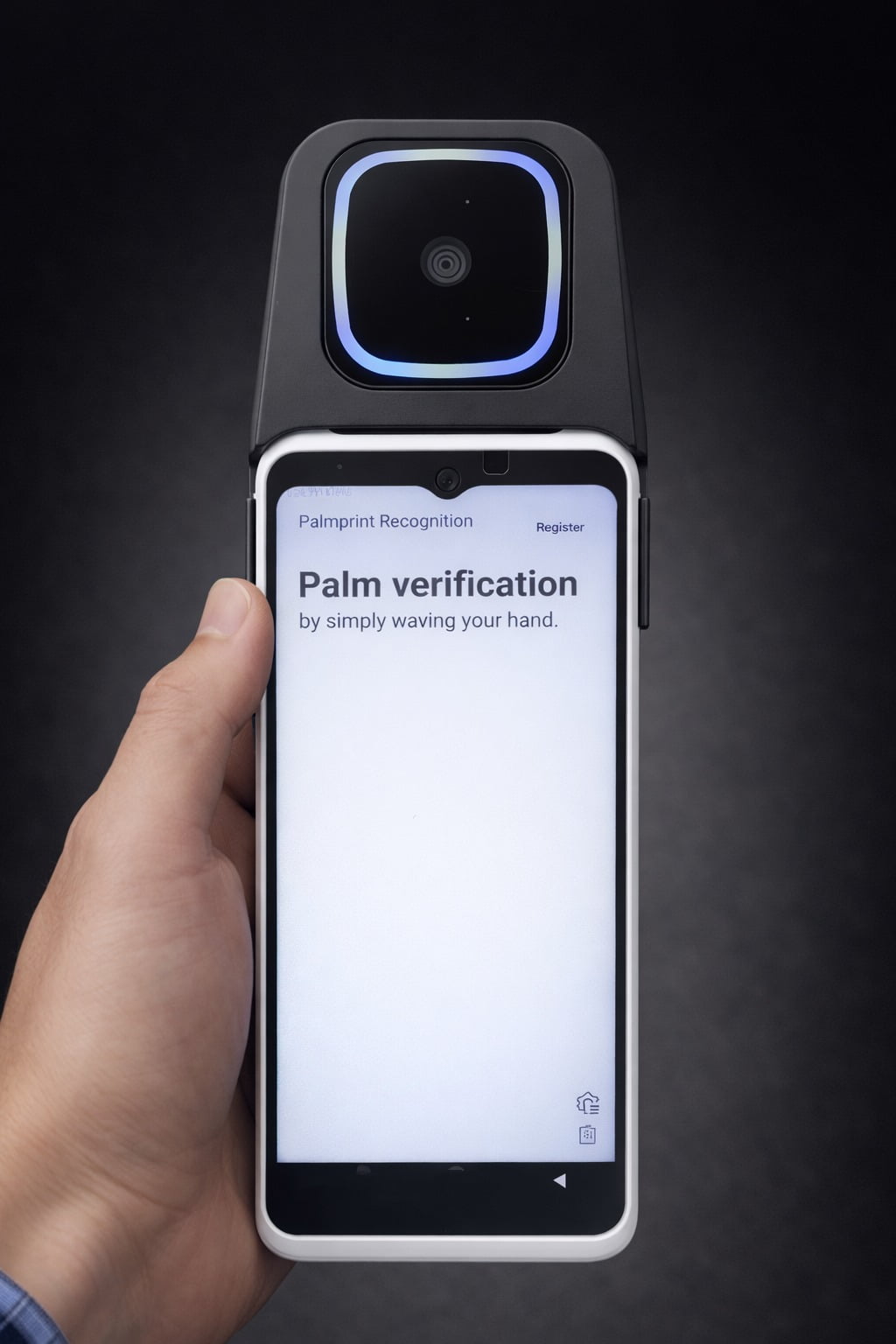
What changes at the counter?
Once a customer has enrolled and linked an eligible account, palm recognition can provide the identity check within your payment flow.
The terminal captures a suitable palm image.
The algorithm service performs matching and returns a result.
Your platform checks the linked account, authorises the transaction and displays the outcome.
A successful palm match identifies a registered user. It does not, by itself, confirm a successful payment.
Choose around the store.
Staff bring checkout to the customer
Consider AirOne for a handheld workflow. Check staff handling, charging arrangements and device readiness during the pilot.
Customers pay at a fixed counter
Review scanner placement, reach and lighting. Test the approach with real customers, including first-time users.
You already have a POS or kiosk
Evaluate a USB palm vein scanner. Confirm host data connectivity, operating system and USB permissions before selecting hardware.
Make every outcome clear.
Customers need to know whether to try again, choose another payment method or wait for a transaction result.
| Stage | X-Telcom components | Your application and platform |
|---|---|---|
| Palm capture | Device-side selection and capture of palm images. | Guide the user and handle capture feedback. |
| Registration & matching | Server-side processing and API return codes. | Use the documented codes to confirm registration or explain the error. |
| Account & payment | A recognition result for integration into your workflow. | Manage account links, payment authorisation and transaction status. |
Application prompts, retries and payment decisions belong to your business workflow. They are not handled automatically by the core SDK.
Test the complete checkout.
Before launch
Confirm enrolment consent, account selection, supported terminals and an alternative payment method.
In the store
Observe first attempts, repeated scans, cashier assistance and the time from palm presentation to payment confirmation.
Before expanding
Review repeat use, failed-payment handling and support issues. Agree on server capacity and licensing separately.
Before you start.
Does the customer still need a phone?
Enrolment, consent or account linking may involve a phone, depending on your application. A later checkout can be designed without taking out a phone or card. Keep a fallback available.
Can we keep our existing payment platform?
Palm recognition can be integrated into your existing application and backend. Your team must assess the APIs, account links and transaction flow, with compatibility checked against the chosen hardware.
What if the palm is recognised but payment fails?
Display the payment platform's actual transaction result. Distinguish recognition failure from a declined or pending payment, and use your platform's transaction-status checks before retrying a charge.
Can we evaluate the large-model service before buying a licence?
We can provide a public-cloud testing environment and demo for evaluating the large-model SDK before purchasing the algorithm licence. The small and large models are separate, decoupled systems and should be assessed independently.
Tell us how your checkout works.
Share your target market, POS platform, store setup and expected registered users. We can then discuss suitable hardware and the integration scope.