
Can a web application control the USB Palm Vein Scanner PalmVein01 directly?
X-Telcom does not currently provide a Web SDK, so a browser cannot control the [PalmVein01] directly.
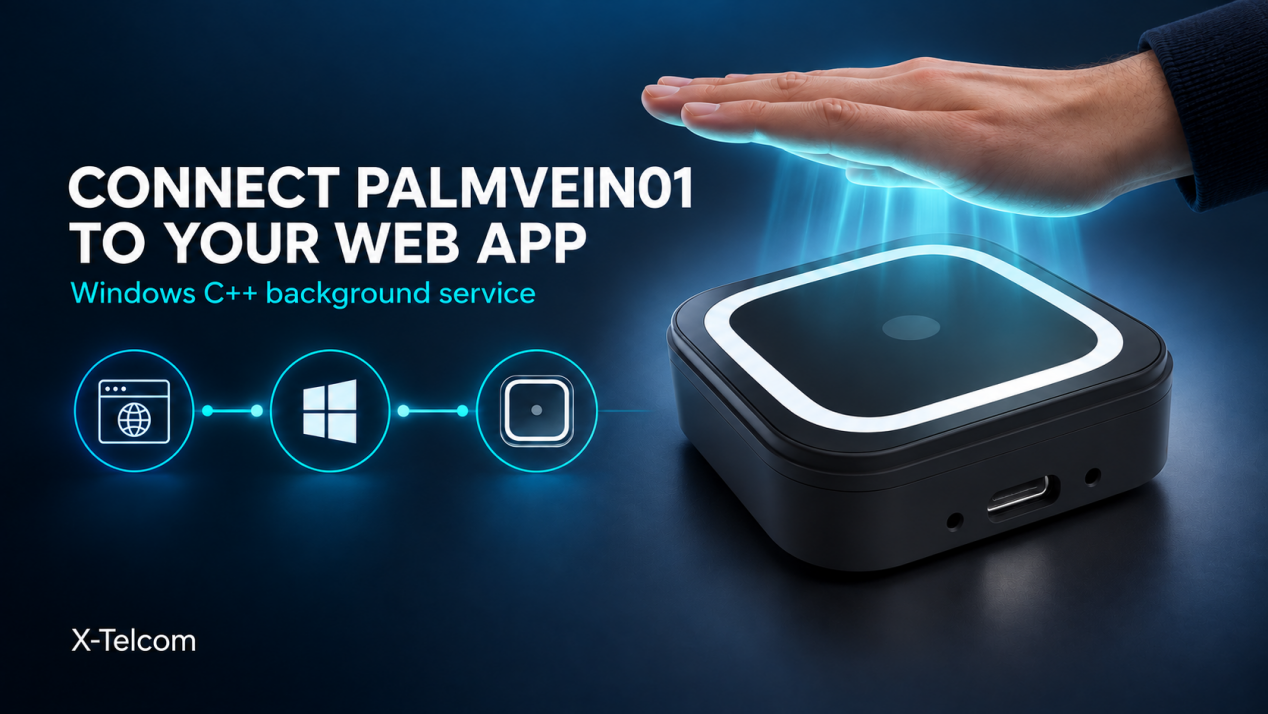
For Palm Vein Scanner Web Development, one approach is to build a Windows background service with X-Telcom’s C++ SDK. The web application sends requests to the service, and the service manages communication with the scanner.
How the integration works
Web application
      ↓ Enrollment or identification request
Windows background service
      ↓ Scanner commands via the C++ SDK
X-Telcom PalmVein01
      ↓ Result
Windows background service
      ↓ Response
Web application
The web application manages users and business workflows. It decides when to start enrollment or identification and uses the returned result.
The Windows background service manages the scanning process. It receives requests from the web application, controls the PalmVein01 through the C++ SDK, and returns the outcome.
Example: palm vein identification
- A user opens an identification screen in the web application.
- The web application sends a “start identification” request to the Windows service.
- The service starts the scan through the PalmVein01.
- The person presents their palm.
- The service returns the identification outcome to the web application.
- The web application continues its business workflow.
Enrollment can follow the same structure: the web application manages the user journey, while the Windows service manages scanner commands.
What should developers plan for?
The interface between the web application and the Windows service should define:
- Supported requests and response formats
- Scanner status and connectivity checks
- Timeouts, cancellations, and error messages
- Simultaneous requests from multiple browser windows
A proof of concept with one Windows computer and one PalmVein01 can validate the complete workflow before a wider rollout.
Bringing palm vein identification to a web system
This architecture lets a web application manage business processes while a Windows background service handles device communication. It provides a practical starting point for teams exploring Palm Vein Scanner Web Development with the X-Telcom PalmVein01.