
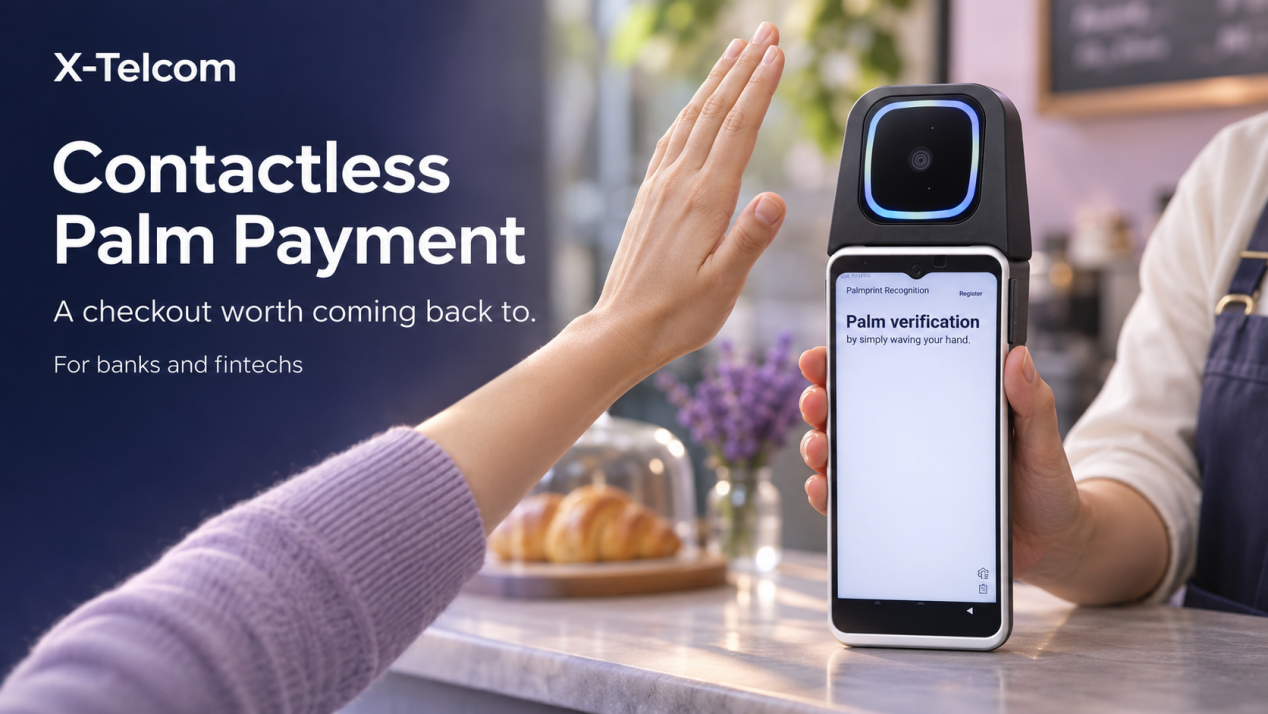
A customer reaches the counter with shopping bags in one hand and a coffee in the other. Their phone is in a pocket. Their bank card is somewhere in a bag.
This is the kind of everyday moment where palm payment can be useful.
For banks and fintechs, the opportunity is to make an existing account easier to use at checkout. A registered customer presents their palm, the platform identifies the linked account, and the payment application continues with the required confirmation and authorisation.
At X-Telcom, we provide palm recognition hardware, SDKs and APIs for teams building this experience. The important question is how the complete checkout works for the customer, the cashier and the payment platform.
What Is Contactless Palm Payment?
Contactless palm payment uses palm recognition to identify a registered customer within a payment workflow.
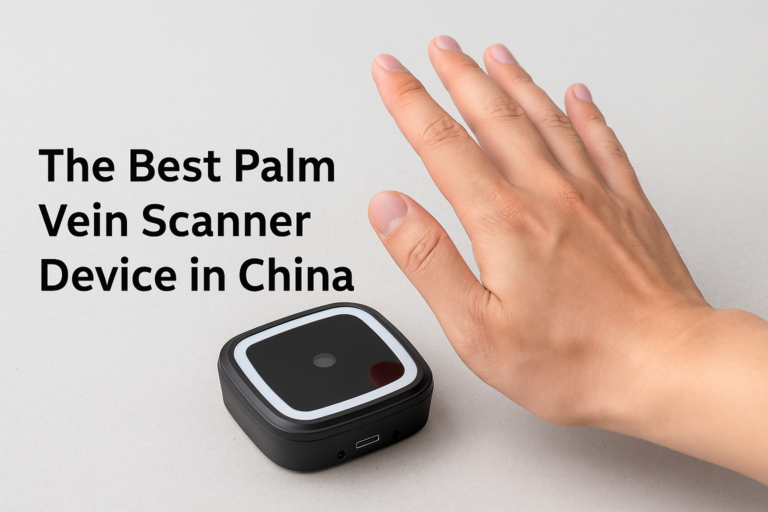
A palm vein scanner captures biometric information without requiring the customer to touch the sensor. The recognition service checks for a matching registration, and the business platform uses the result to locate the associated account.
The bank or wallet system then applies its payment rules.
Palm recognition identifies the registered user. The payment platform manages the transaction amount, customer confirmation and payment authorisation.
Once enrolled, customers may be able to complete supported purchases without taking out a phone or bank card. The exact experience depends on the application, transaction controls and any additional verification requirements.
What New Role Does This Create for Banks?
Banks can become a Contactless Payment Experience Provider, bringing account access into the places where customers shop.
The account relationship already exists. Palm authentication adds another way for an enrolled customer to identify themselves at a participating checkout.
For a bank, the practical questions are:
- Can customers clearly understand how to enrol?
- Can they see which account will be used?
- Does the checkout show the amount before approval?
- What happens when additional verification is required?
- Can customers easily choose another payment method?
These details determine whether palm payment becomes a service people use regularly.
A launch campaign may encourage the first attempt. A clear, reliable checkout gives customers a reason to return.
How Can Fintechs Reduce Checkout Steps?
Fintechs often manage the software between the customer, the merchant and the payment service.
That gives them a direct role in reducing unnecessary steps.
Consider a wallet customer who normally opens an app, finds the payment function and presents a code. Palm authentication could provide another account identification option at a supported terminal.
If membership integration is also available and the customer has agreed to link it, the application could retrieve the relevant member record within the same checkout journey.
The fintech still needs to design the sequence carefully:
- The merchant creates the purchase.
- The customer sees the transaction amount.
- The customer presents their palm.
- The recognition service returns a result.
- The platform checks the linked account and applies its authorisation rules.
- The customer and cashier receive a clear payment result.
The order and confirmation method may vary by project. What matters is that both parties understand what is happening.
A Fast Palm Match Does Not Guarantee a Fast Checkout
Recognition speed is only one part of the transaction.
The customer may still wait while the application retrieves an account, checks membership benefits or receives a response from the payment platform.
A useful pilot measures the complete journey:
| Checkout stage | What to assess |
|---|---|
| Customer approach | Is it obvious where and how to present a palm? |
| Palm capture | Can customers position their hand without repeated instructions? |
| Recognition | Does matching work consistently under store conditions? |
| Account retrieval | Does the backend return the correct linked account promptly? |
| Payment authorisation | Are approval, decline and additional verification handled clearly? |
| Completion | Can the customer and cashier both confirm the result? |
Measuring only the algorithm response time leaves much of the customer experience untested.
Choose the Terminal Around the Store
A palm payment terminal should fit the way the merchant works.
A restaurant employee taking payment at the table has different needs from a supermarket cashier or a self-service kiosk operator.
Portable checkout
A handheld terminal can bring palm authentication to the customer. Teams should assess how staff hold the device, how customers view the amount and how the hardware performs throughout a working shift.
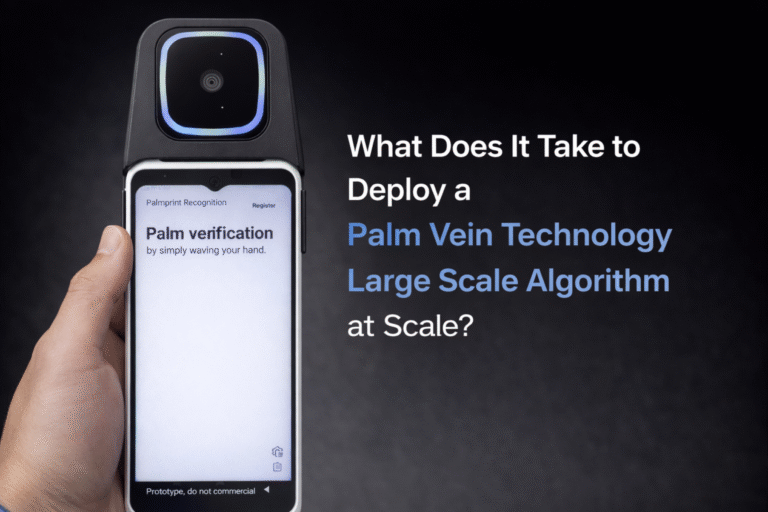
X-Telcom’s AirOne provides a portable format for projects that need palm recognition within a handheld checkout workflow.
Fixed checkout
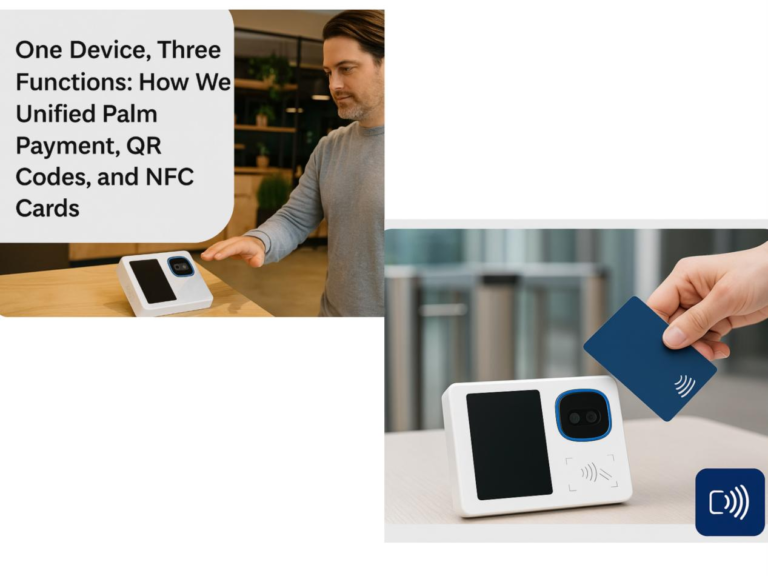
At a staffed counter, the scanner needs to be within comfortable reach. The customer should be able to present a palm while still seeing the transaction information.
Cable routing, counter space and the connection to the cashier system should be considered before installation.
Existing POS integration
For a USB palm vein reader, check the host’s USB data capability, permissions and power supply.
A USB charging port does not establish that the POS can communicate with the scanner. Confirm the host model and operating system, then validate the SDK integration on the actual hardware.
Make the First Attempt Easy
Customers should not need a technical explanation to use palm payment.
They need a short instruction, a clear scanning area and a visible response.
The application should tell them when to present their palm, when capture has finished and whether the purchase has been approved.
Users must remove gloves for palm scanning. Device placement should also allow enough space for a natural hand position without touching the sensor.
For staff, a short introduction should cover the situations they are most likely to encounter:
- A customer who has not enrolled.
- A customer presenting the wrong hand.
- A failed capture or no-match response.
- A payment that is declined after successful recognition.
- A network interruption.
Successful recognition and successful payment are separate events. The interface should make that distinction clear.
What Happens When Palm Payment Does Not Work?
A customer still needs to complete the purchase.
The checkout should offer an alternative payment method when palm recognition or a connected service is unavailable.
Error messages should guide the next action. “Please try your registered hand” is useful when appropriate. A generic “Payment failed” message may be misleading if the application has not yet reached the payment stage.
The development team should interpret the recognition server’s return codes and map them to the correct application behaviour.
This includes deciding when to allow another attempt, when to request assistance and when to offer a different payment method.
These decisions belong to the bank or fintech’s application workflow.
Start with a Store Environment You Can Learn From
A focused pilot can reveal more than a broad rollout with limited monitoring.
Choose participating merchants where staff can explain enrolment, report problems and observe whether customers use the service again.
Useful measures include:
- Enrolment completion rate.
- Successful checkout completion.
- Total transaction time.
- Frequency of retries.
- Staff assistance required.
- Use of alternative payment methods.
- Repeat use by enrolled customers.
Review results with the merchant team as well as the developers. A technically successful transaction may still be confusing at the counter.
Build the Experience Around Your Payment Platform
X-Telcom supplies palm recognition hardware, SDKs and APIs for banks, fintechs and system integrators with software development capability.
Your team controls the account relationship, checkout application, transaction authorisation and payment processing.
Becoming a contactless payment experience provider means making those components work together in a way customers understand.
The goal is straightforward: let an enrolled customer access the right account, understand the purchase and complete it with fewer interruptions.
[Contact X-Telcom] to discuss your checkout environment, existing platform and palm payment pilot requirements.