
Did you know?
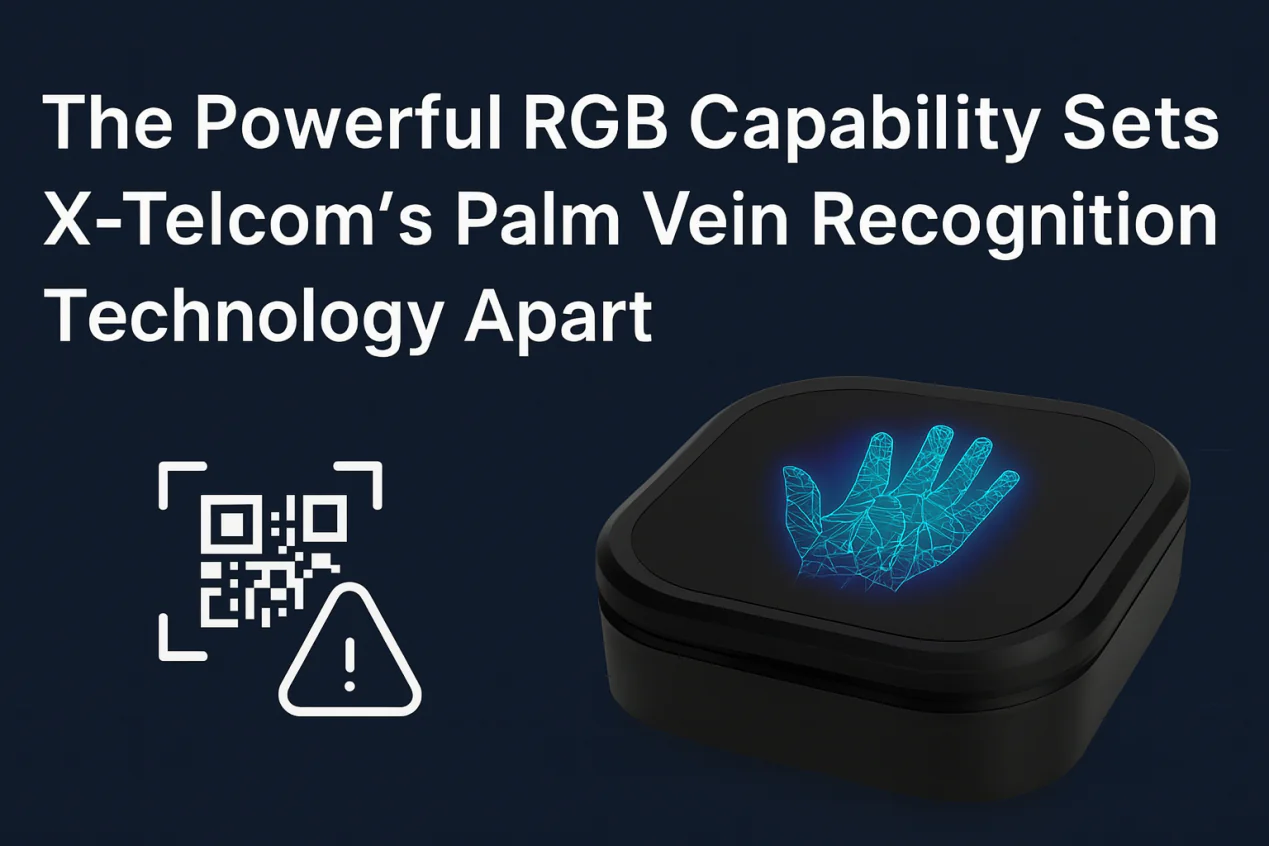
X-Telcom’s Palm Vein Scanner doesn’t just handle biometric palm recognition—it also supports QR code scanning via the built-in RGB camera, offering greater value without extra hardware modules.
✅ Can a Palm Vein Scanner Scan QR Codes?
Yes—but via software integration.
Our Palm Vein Scanner features a close-range fixed-focus RGB camera. While its primary role is capturing palm vein images, the same RGB camera can also capture clear images of QR codes for decoding on the software side.
⚠️ Important: The Palm Vein Scanner does not include a built-in QR decoding algorithm. It only provides the raw RGB image stream. QR recognition must be handled in the client’s app.
🎯 Why This Matters
By leveraging the existing RGB camera in the Palm Vein Scanner, clients can:
- Avoid adding a separate QR code scanner module
- Enable both palm vein authentication and QR scanning using a single compact device
- Save cost and simplify hardware design, especially for use cases like:
- QR code-based payments
- Identity verification via QR
- eKYC onboarding
- Self-service kiosks
🔧 Technical Notes
- Recommended QR Scanning Distance: 3–20 cm
Suitable for reading mobile screen QR codes or printed paper QR codes. - How to Access the Image:
Use the Palm Vein Scanner SDK to access the RGB image stream from the device. - QR Decoding:
Integrate your preferred QR code decoding library, such as:- ZXing (Zebra Crossing)
- ZBar
- Google ML Kit
📦 Feature Summary: Palm Vein Scanner QR Code Support
| Feature | Description |
|---|---|
| QR Code Scanning | ✅ Supported via RGB camera |
| Built-in QR Decoder | ❌ Not included |
| Client-Side Development Required | ✅ Must integrate your own QR decoding algorithm |
| Optimal Scanning Distance | 3–20 cm (close-range, mobile-friendly) |
| SDK Access | Use standard RGB image stream interface |
| Hardware Advantage | No need for separate QR module—one device handles two jobs |
💡 Use Case Example
Let’s say you’re integrating the Palm Vein Scanner into a self-service payment terminal:
- The user holds up a mobile QR code for transaction identification
- The Palm Vein Scanner’s RGB camera captures the QR code image
- Your app decodes the QR code
- The user then completes palm vein authentication for secure verification
✅ One scanner, two functions.
Save space, reduce cost, and deliver a seamless user experience.