
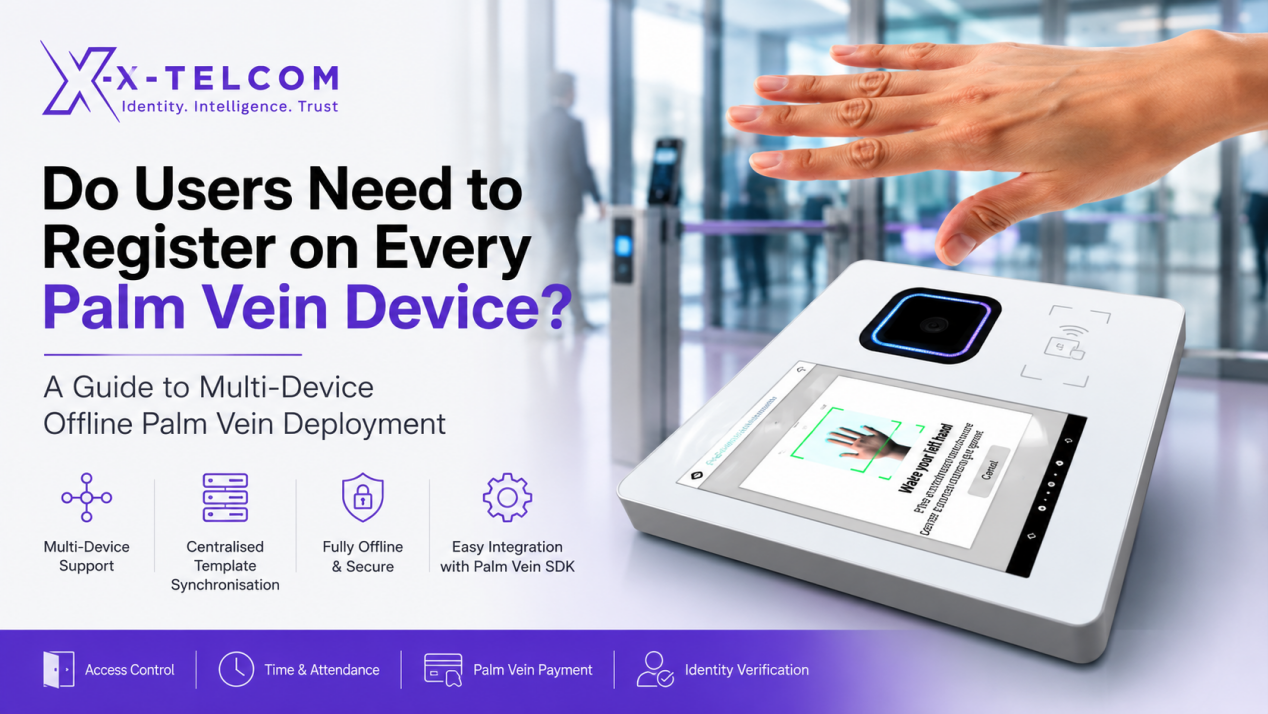
When deploying a palm vein recognition solution across multiple entrances, buildings or locations, one of the most frequently asked questions is:
Do users need to register on every palm vein device they use?
The answer is not necessarily.
The registration process depends on the deployment architecture and how the application is designed. Whether you are implementing palm vein payment, access control, time and attendance, or identity verification, the X-Telcom Palm Vein SDK provides the flexibility to support different registration and synchronisation strategies.
Understanding Offline Palm Vein Recognition
In a fully offline deployment, every palm vein device performs biometric matching locally.
Each terminal compares a user’s biometric feature template only against the templates stored on that device. No biometric matching is performed in the cloud or on a remote server.
This architecture offers several important benefits:
- Faster authentication
- No Internet dependency
- Enhanced privacy
- Fully on-premises deployment
- Local control of biometric data
- High system availability
Because matching takes place locally, organisations should consider how biometric feature templates are managed when multiple devices are deployed.
Option 1: Independent Registration
For single-device or small deployments, each device operates independently.
Users simply register on every device they intend to use.
This approach is suitable for:
- Small offices
- Single entrances
- Limited numbers of devices
- Fixed user groups
It is straightforward to implement and requires no synchronisation infrastructure.
Option 2: Centralised Feature Template Synchronisation
For larger deployments, X-Telcom recommends a centralised feature template synchronisation architecture.
A local management server can be deployed entirely on-premises, with no cloud dependency.
The workflow is straightforward:
- A user registers on any authorised palm vein device.
- The biometric feature template is securely synchronised to the local management server.
- The management server distributes the feature template to all authorised devices.
- Each device continues to perform biometric matching locally and independently.
Important: The management server does not perform biometric matching. Its sole responsibility is the management and distribution of biometric feature templates.
This means the deployment remains a fully offline palm vein authentication solution.
Does Feature Template Synchronisation Make the System Cloud-Based?
No.
One of the biggest misconceptions about offline biometric systems is that synchronising biometric feature templates converts an offline deployment into a cloud-based solution.
It does not.
The X-Telcom Palm Vein SDK supports bidirectional transfer of biometric feature templates, regardless of whether the device uses a local matching firmware module or a server matching firmware module.
The only difference is where biometric matching is performed:
- Local Matching Firmware performs authentication entirely on the device.
- Server Matching Firmware performs authentication on the server.
This matching architecture is fixed and cannot be changed. However, biometric feature templates can still be securely transferred and synchronised according to your application’s business requirements.
What Does the X-Telcom Palm Vein SDK Provide?
The X-Telcom Palm Vein SDK provides the core biometric capabilities required to build professional palm vein applications, including:
- Palm vein image acquisition
- Biometric feature extraction
- Feature template generation
- Palm vein authentication
- Template import and export
- Registration APIs
- Verification APIs
- Identification APIs
The SDK is intentionally designed as a biometric engine rather than a complete business application.
Business functions such as:
- User registration workflows
- Multi-device synchronisation
- User management
- Database management
- Access control rules
- Time and attendance logic
- Palm vein payment workflows
- HR or ERP integration
are implemented by the customer’s software using the SDK and APIs.
This approach gives software developers, system integrators and enterprise customers complete flexibility to build solutions that meet their own operational requirements.
Choosing the Right Deployment Architecture
Every deployment is different.
Before implementation, organisations should consider:
- How many palm vein devices will be deployed?
- Will users access multiple entrances or locations?
- Is centralised registration preferred?
- Is a fully offline deployment required?
- How will biometric feature templates be managed and synchronised?
- Which business systems will be integrated?
Evaluating these requirements during the design stage ensures the most appropriate deployment architecture is selected.
Why Choose X-Telcom?
X-Telcom provides a complete Palm Vein SDK for organisations developing:
- Palm Vein Payment
- Palm Vein Access Control
- Time and Attendance
- Workforce Management
- Visitor Management
- Identity Verification
- Membership Systems
- Banking and FinTech Applications
Our SDK enables customers to build fully customised biometric solutions while retaining complete ownership of their biometric data and deployment architecture.
Conclusion
Users do not always need to register on every palm vein device.
For smaller installations, independent registration may be the simplest approach.
For enterprise deployments with multiple devices, centralised biometric feature template synchronisation provides a more scalable and user-friendly solution while maintaining fully local biometric matching.
The X-Telcom Palm Vein SDK supports both deployment models, enabling software developers and system integrators to build secure, scalable and fully customised palm vein recognition, offline biometric authentication, palm vein payment and identity verification solutions.
If you are planning a multi-device palm vein deployment, contact X-Telcom to discuss your application requirements. Our engineering team can help you design the most appropriate architecture for your project.
Frequently Asked Questions
Do users need to register on every palm vein device?
No. In multi-device deployments, biometric feature templates can be synchronised between authorised devices using a local management server.
Does synchronising feature templates make the system cloud-based?
No. Feature template synchronisation does not change where biometric matching is performed. Authentication remains local when using local matching firmware.
Does the management server perform biometric matching?
No. The management server is used only for managing and distributing biometric feature templates.
Can the X-Telcom Palm Vein SDK be integrated into existing applications?
Yes. The SDK provides APIs for registration, authentication, identification and biometric feature template management, allowing seamless integration into existing software platforms.
Who develops the registration workflow and business logic?
The customer’s software is responsible for implementing business logic such as user registration, synchronisation workflows and application integration. The X-Telcom Palm Vein SDK provides the core biometric capabilities and APIs.
Contact X-Telcom via: https://x-telcom.com/palm-vein-reader/