
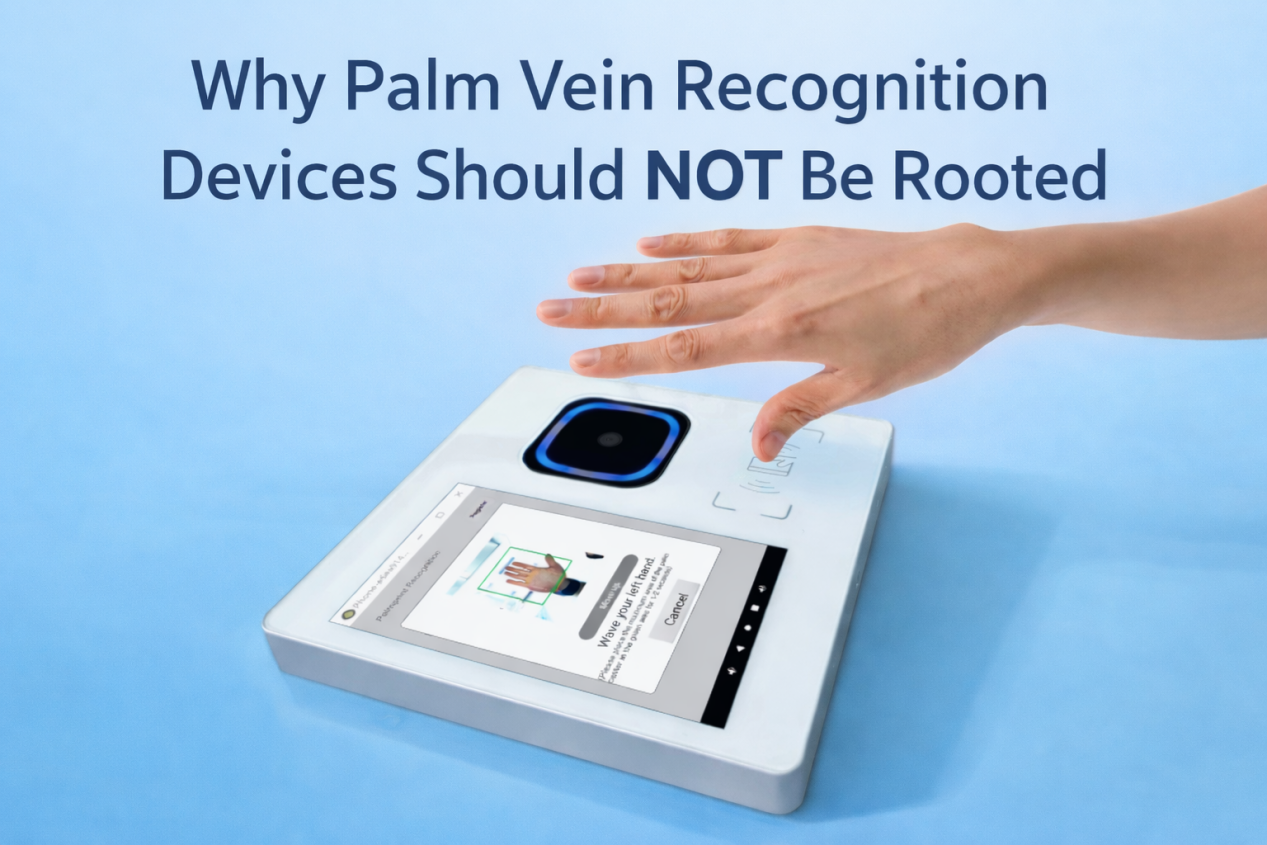
In real-world project deployment, many customers or development teams often ask:
For easier development and debugging, can palm vein devices be delivered as rooted systems?
Based on X-Telcom’s project experience, the answer is very clear:
Root versions are only suitable for testing, not for commercial deployment.
This article explains the reasons from the perspectives of system security, project implementation, and industry compliance.
What Is a Rooted Device?
A rooted device can be understood as a “jailbroken” system, where the device gains full system-level permissions, allowing it to:
- Modify system files
- Freely install and uninstall applications
- Bypass system security restrictions
- Access low-level hardware interfaces
During the development phase, this level of openness can improve debugging efficiency.
However, in production environments, this “fully open” state becomes a major risk.
Why Palm Vein Devices Should Not Be Rooted
1. High Security Requirements in Biometric Scenarios
Palm vein recognition is typically used in:
- Identity authentication (eKYC)
- Payment systems (Palm Pay)
- Access control
- Healthcare and government projects
The core of these scenarios is: trusted identity + system security
Rooted devices introduce risks such as:
- Installation of unauthorized applications
- Possible tampering with biometric processes
- Exposure of system interfaces, increasing attack surface
- Higher vulnerability to malicious use
This directly conflicts with the high-security nature of biometric systems.
2. Root Conflicts with Kiosk Mode
Many customers actually require:
The device should only run a designated APP, and users cannot exit or access the system
This is a typical Kiosk Mode requirement.
However:
- Root = fully open system
- Kiosk = fully controlled system
These two concepts are fundamentally opposite.
If a device is rooted, restrictions can always be bypassed, intentionally or unintentionally.
3. Not Suitable for Commercial Deployment Standards
In formal deployments such as finance, government, and healthcare, devices must ensure:
- Stability
- Controllability
- Anti-tampering capability
- Consistent user experience
Rooted devices cannot meet these requirements.
Therefore, in the industry:
All production-level biometric devices are delivered as non-root (User) systems.
4. Compliance Requirements in Payment Scenarios (EMV / PCI)
If the device is used for Palm Vein Payment, the requirements are even stricter.
In the payment industry:
- EMV / PCI certification requires devices to operate in a secure and controlled environment
- Systems must have anti-tampering and anti-unauthorized access capabilities
- Root or fully open system environments are not allowed
In other words:
Once a device is EMV / PCI certified, it is not allowed to run in a rooted state.
Taking X-Telcom’s product as an example:
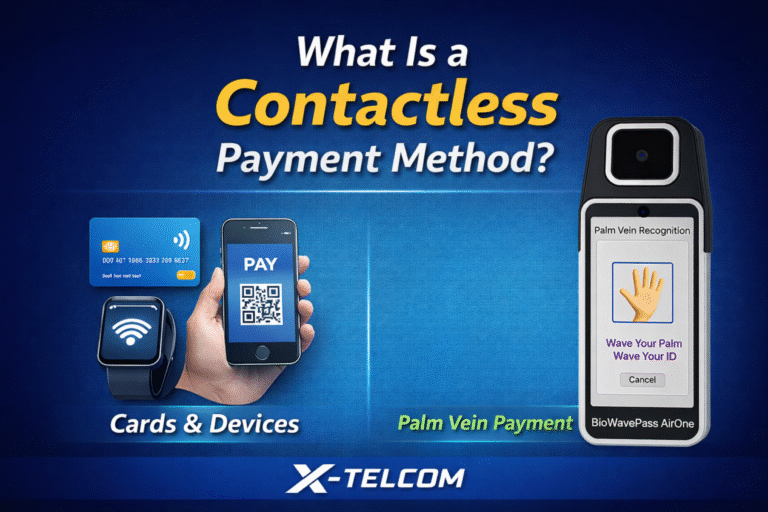
- AirOne (BioWavePass AirOne) is an integrated palm vein payment terminal
- It is designed to meet financial-grade hardware standards
- It must operate in a non-root, secure system environment
Otherwise, it would directly impact:
- Certification validity
- Payment security
- Project compliance
Recommended Architecture: User Version + Kiosk Mode
Based on X-Telcom’s best practices, the recommended deployment architecture is:
Step 1: Upgrade to User Version Firmware
The User version is designed for commercial environments, featuring:
- Restricted system-level permissions
- Protection of critical functions
- Prevention of unauthorized access
This ensures the device operates in a secure and controlled environment.
Step 2: Configure Kiosk Mode via TMS
To meet customer requirements such as:
- Running only a designated APP
- Preventing users from exiting
- Blocking access to system UI
We provide:
Kiosk Mode configuration through TMS (Terminal Management System)
This enables:
- Remote device policy configuration
- App-level locking
- Centralized management for large-scale deployment
Can User Version Still Support Debugging?
This is one of the most common misunderstandings.
The answer is:
Yes, debugging is still supported, but in a more secure and controlled way.
User version still supports:
- ADB debugging (with authorization)
- APK installation
- Application integration and testing
The difference is:
| Version | Characteristics |
|---|---|
| Root Version | Fully open, unrestricted, high risk |
| User Version | Authorization required, secure and controlled |
In simple terms:
Root is “accessible to everyone”
User version is “accessible only to authorized parties”
This is exactly what commercial systems require.
Recommended Implementation Steps
For the current requirement (Kiosk Mode), the suggested process is:
- Based on the current customized firmware
- Upgrade to User version
- Configure Kiosk Mode in TMS
- Set the designated APP to run
- Use authorized ADB access if debugging is required
Final Thought
The security of palm vein recognition does not only come from the algorithm,
but from the controllability and compliance of the entire device system.
Especially in payment scenarios:
Without a secure system environment, there is no trusted payment capability.
X-Telcom provides not just hardware, but a complete system-level solution:
- Secure
- Compliant
- Controllable
- Scalable
Because in biometric payment systems, trust is the only foundation.